 Why code? I think Steve Job’s summed it up nicely, “Everybody in this country should learn how to program a computer …because it teaches you how to think.” Student’s won’t always have a teacher on hand to help them process through projects requiring critical thinking skills. Honestly, for the opportunity to have future financial stability alone, students should have the opportunity to learn principles of computer science early.
According to the US Department of Commerce, over the past 10 years, growth in STEM jobs was three times as fast as non-STEM. STEM workers command higher wages, earning 26 percent more than their none STEM counterparts.
Of course, this sounds fantastic, but STEM covers a variety of topics from traditional engineering to life science. Is there information about jobs that is a little more narrowed down? Why, yes, yes, there is! 71% of new STEM jobs are in computing! How does this relate to current college stats? Only 8% of STEM graduates are in computer science.
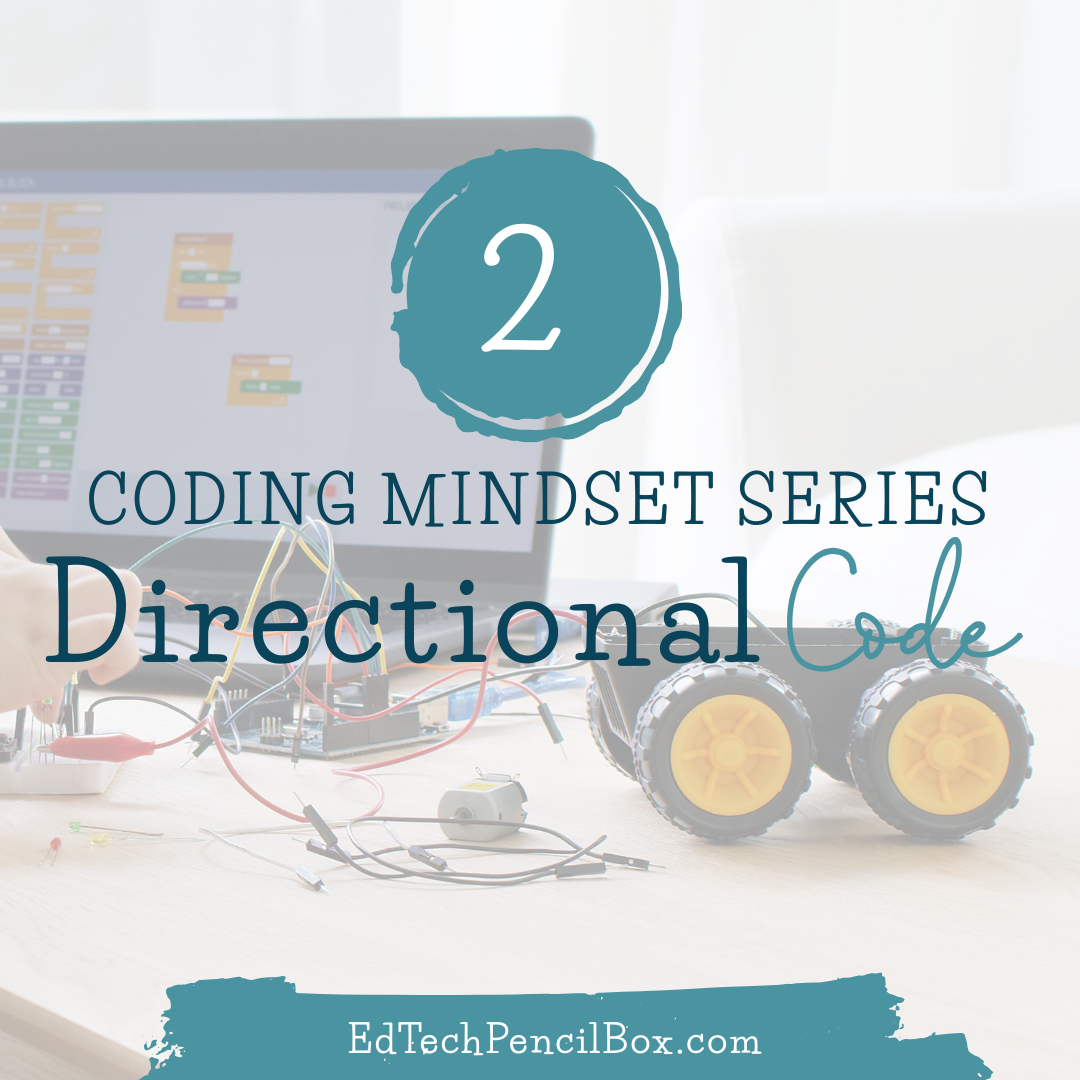
Building a coding mindset involves computational thinking such as coding and starting young before they have a chance to develop predispositions. You can begin even in a PreK classroom! I like to think of coding in three categories: directional, building blocks, and written. For this post, we will dig into directional coding.
By directional coding, I am referring to coding that doesn’t require reading. The coding might happen in the background while you are driving the robot around or maybe color coded puzzle pieces are being used with icons such as arrows. Here are some of my top directional coding options for the classroom:
- Sphero Sprk in drive mode
- Oosmo Awbie (requires an iPad)
- Hands on Coding Blocks
- Scratch Jr app
You might have heard of Scratch before, but did you know about Scratch Jr? If not, it is a fabulous way to integrate coding to non readers. I have also found it easy to integrate into the classroom with just a tweak of an existing activity. I love making Task and Challenge cards, so HERE is an example to integrate Scratch Jr in your science class.
Did you miss the first post in this series? You can catch it HERE. Check out these options and share ways you could integrate into your classroom while addressing a standard/skill you already teach! I would LOVE to hear your ideas. If you are on Twitter, make sure and @lisaspencilbox and #codingmindset Stay tuned for the next part of our series when we will dig a little deeper into blocked coding!